File provenance and text inspection
AI watermark checker: C2PA, metadata and text
Inspect images, video, audio, and documents for C2PA credentials and metadata. Paste text for a separate inventory of Unicode characters, with completed and unavailable checks clearly identified.
- Files and pasted text
- Credential validation and trust
- Explicit inspection coverage
- Checking service
- Add content
- Inspect content
- View report
Step 1 of 4: Checking service.
Service check
Preparing the provenance inspector
Confirming the inspection service is ready before anything is sent.
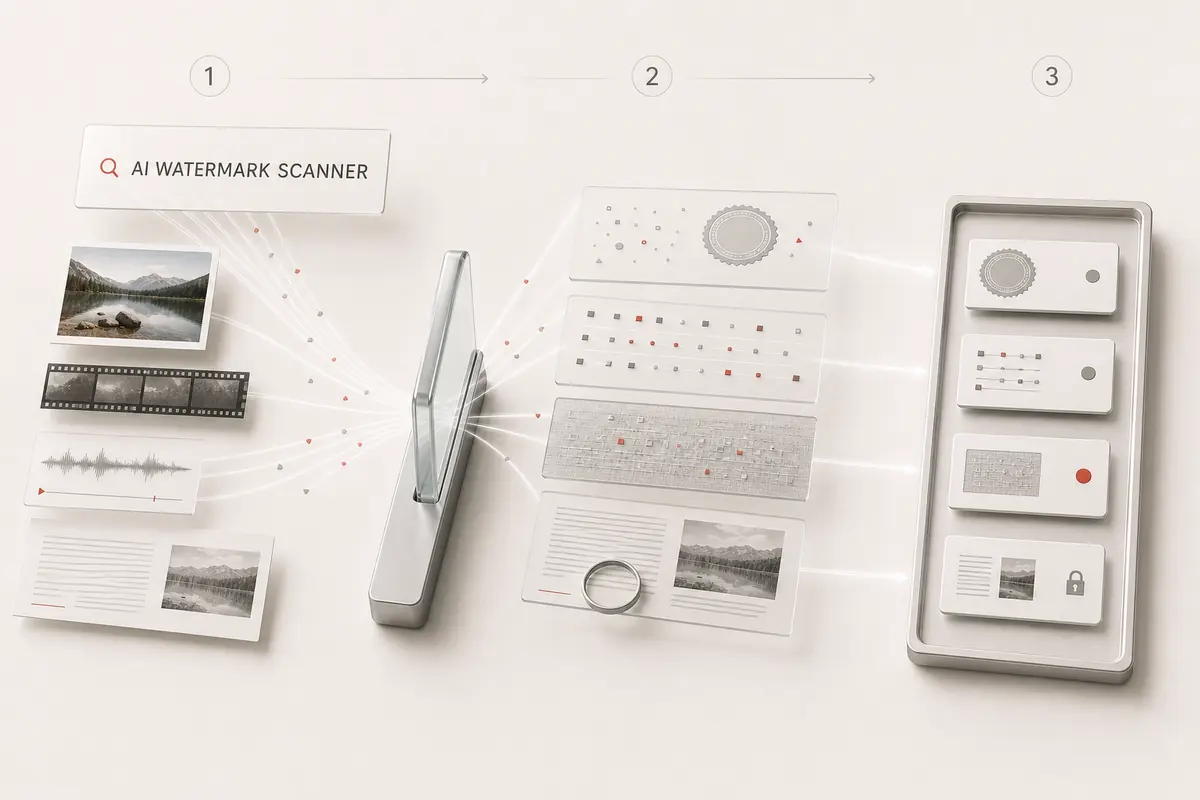
Each evidence layer answers its own question
Signed records can describe origin and editing history. Editable metadata describes a file’s claims. Embedded watermarks require compatible verification, while Unicode inspection describes literal characters in text.
C2PA Content Credentials
Review parsed claims, recorded actions, signature validity, and signer trust when the validator returns them.
File metadata
Read supported EXIF, XMP, IPTC, encoder, and software fields as declarations rather than definitive authorship.
Provider verification
Use the stated compatible verifier for embedded pixel, audio, or statistical text marks. Unavailable is distinct from not detected.
Unicode text inventory
See zero-width and other literal characters found in pasted text. Their presence does not identify an AI model or author.
AI watermark checker or AI image detector?
Start with the question you need answered. A generator tag, a signed history, and a prediction about image pixels are different evidence.
To examine recorded origin and edits, use the C2PA Content Credentials viewer. Read both integrity and trust, not just the name of a provider.
To review a probabilistic visual signal, try the AI image detector. Its score is not a watermark verification or proof of authorship.
For Google’s embedded watermark, the Gemini SynthID checker guide separates this site’s file inspection from the official verification service. “Not tested” is not the same as “not detected.”
Understand results across different files
Compare the original export with the copy you received. These examples explain possible outcomes; your report reflects only the checks completed on your submitted file.
- Original file with a parsed C2PA manifest
- Credential, validity, and signer trust reported
A provenance record may describe human capture, AI generation, or editing. Evaluate its actions and trust rather than treating every credential as AI evidence.
- Invalid signature or untrusted signer
- Invalid or untrusted credential
Integrity and signer trust answer different questions. Neither an invalid claim nor an unknown signer establishes verified provider authorship.
- File with editable AI generator metadata
- Declared source only
The report identifies what the file says about itself. A matching software string can be forged.
- Stripped metadata or proprietary watermark only
- No file evidence, or provider check unavailable
The local result does not decide whether a compatible embedded watermark exists. Use the named provider-verification path.
- Pasted text containing zero-width or unusual spaces
- Unicode inventory
Literal characters are reported for review. Their presence does not prove Claude, ChatGPT, Gemini, or AI authorship.
How to check your content
Choose a file or paste text
Upload a supported image, video, audio, or document. Select text inspection to inventory literal Unicode characters in pasted text.
Read the result for each layer
Review credential validation, signer trust, declared software, and inspection coverage. Text results describe characters, not AI authorship.
Follow the appropriate verification path
For embedded provider signals, use a compatible official verifier or an explicitly enabled integration. A missing record does not establish human origin.
Evidence you can use
Every report separates cryptographic credentials, declared metadata, and provider-controlled verification. You can see exactly what ran before deciding what the file proves.
- C2PA Content Credentials parsing and cryptographic validation for supported files.
- Declared EXIF, XMP, IPTC, container, and generator metadata evidence.
- Literal Unicode formatting-character inventory with codepoints, counts, positions, and optional cleanup.
- A precise boundary and official path for provider-controlled verification when one exists.
Frequently asked questions
What is the difference between an AI watermark checker and an AI image detector?
This checker inspects file evidence such as C2PA credentials and declared generator metadata. An AI image detector estimates patterns in image content and can make mistakes. A file report, a classifier score, and an official embedded-watermark result answer different questions; none should silently replace another.
Is C2PA the same as SynthID?
No. C2PA describes signed provenance records; SynthID is a watermark embedded in media. The default file inspection checks supported credentials and metadata, not a universal invisible watermark. Use the report’s coverage section to see whether any separately configured verifier actually ran.
What can this AI watermark checker inspect?
The file workflow inspects supported C2PA manifests and metadata such as EXIF, XMP, IPTC, and generator fields. The text workflow inventories literal Unicode characters. Each result identifies completed, unavailable, and unsupported checks.
Can it detect all invisible AI watermarks?
No universal detector covers every provider. Embedded pixel, waveform, and statistical text watermarks need a compatible detector. The report separates those checks from the file and Unicode evidence it actually inspected.
Does trainedAlgorithmicMedia prove that a file is AI-generated?
It is an IPTC declaration of generative AI origin. An editable metadata value alone is a claim; a signed credential also needs integrity, signer trust, and its recorded actions evaluated.
Do hidden Unicode characters prove ChatGPT or Claude wrote text?
No. Zero-width characters and unusual spaces can come from formatting, languages, or many applications. This inventory reports the characters present without converting them into a provider verdict.
Can a file have no metadata and still contain an AI watermark?
Yes. Screenshots, exports, and re-encoding can remove file records while a compatible embedded signal remains. No manifest means no manifest was found in this copy, not that its content is human-created.
What happens to my upload?
The default scan sends the file to AICleanify's scanner for temporary processing and deletes its temporary copy after the request. A separately enabled external verifier requires explicit opt-in and its own data-handling disclosure.