OpenAI image and audio provenance
ChatGPT watermark checker: OpenAI C2PA and SynthID
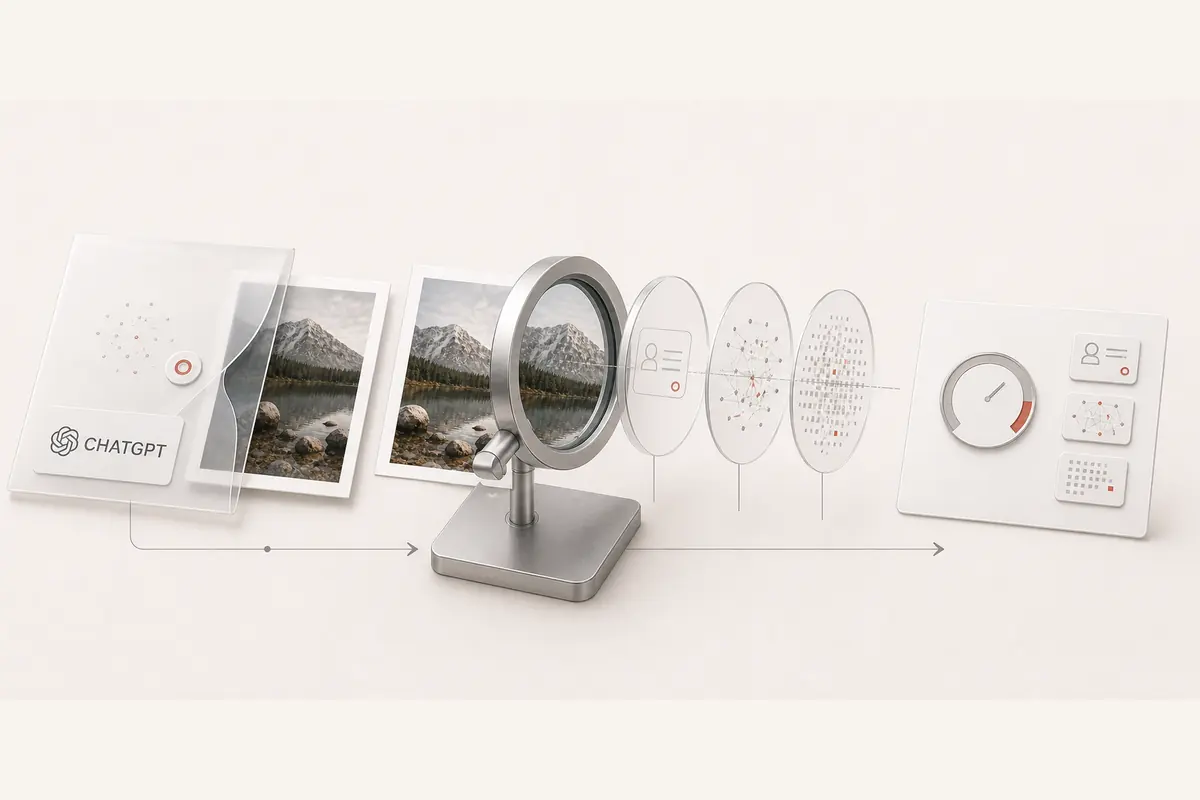
Inspect ChatGPT images and OpenAI audio for C2PA provenance and metadata. When an eligible official integration is connected, you can explicitly opt in to a separate OpenAI verification check.
- Image and audio file inspection
- C2PA validation and trust
- Optional official verification
- Checking service
- Choose file
- Inspect content
- View report
Step 1 of 4: Checking service.
Service check
Preparing the provenance inspector
Confirming the inspection service is ready before anything is sent.
Separate file claims from official verification
The default scan inspects the evidence carried by your file. An optional OpenAI API result appears separately when the integration is configured and you choose it. A missing or failed check is reported as unavailable.
C2PA evidence
Inspect AI-generation actions alongside integrity and signer trust. A general OpenAI software tag remains a declaration.
Optional OpenAI API
Eligible access and explicit opt-in are required. The official endpoint has format, audio-duration, and data-retention limits.
Audio metadata
Read supported container and encoder fields. A filename or software tag is not a decoded waveform watermark.
Text inspection
The universal scanner can inventory Unicode characters in pasted text. That separate inspection does not establish ChatGPT authorship.
Understand results across different files
Compare the original export with the copy you received. These examples explain possible outcomes; your report reflects only the checks completed on your submitted file.
- Original OpenAI image or audio export with credentials
- Parsed credential with validation and trust states
Inspect recorded actions and the signer. Only valid, trusted provenance can support stronger attribution; a manifest's presence alone is insufficient.
- Credential with a broken signature or content binding
- Invalid credential
The file failed the reported integrity check. Do not treat its claimed generator or issuer as verified authorship.
- Unsigned software tag naming OpenAI
- Declared source only
A software name can be edited or copied. It is a useful lead, not a verified provider watermark.
- Screenshot, re-encoded, or stripped copy
- No credential found, or reduced evidence
This copy may have lost its file records. Missing metadata does not establish human origin or absence of an embedded watermark.
- Optional official verification selected
- Separate API result, when connected and eligible
OpenAI checks supported formats under its own limits. A missing integration, unavailable check, or access error is never reported as a negative watermark result.
How to check your content
Upload an image or audio export
Choose a supported original ChatGPT or OpenAI file up to 10 MB. Review any optional external-verification setting before submitting.
Compare provenance layers
Read C2PA validation and trust separately from editable metadata. If an official verifier ran, its result is labeled independently.
Save the evidence and limitations
Use the per-layer report to document what was checked. Follow the official verification route for questions the default file inspection cannot resolve.
Evidence you can use
Every report separates cryptographic credentials, declared metadata, and provider-controlled verification. You can see exactly what ran before deciding what the file proves.
- C2PA Content Credentials parsing and cryptographic validation for supported files.
- Declared EXIF, XMP, IPTC, container, and generator metadata evidence.
- A precise boundary and official path for provider-controlled verification when one exists.
Frequently asked questions
What does the ChatGPT watermark checker inspect by default?
It reads C2PA credentials and supporting metadata from supported image and audio files. Signed provenance, declared software, invalid credentials, and missing records remain different outcomes.
Can this use OpenAI's official watermark verifier?
An optional integration can run only when configured with eligible API access and explicitly selected before upload. OpenAI's public verifier is also linked. Without that integration, the local scan does not decode SynthID.
Which OpenAI API limitations matter?
The documented API supports selected image and audio formats, not Sora video or pasted text. Audio is limited to 60 seconds. Access is organization-restricted and the endpoint is not eligible for Zero Data Retention.
Does an OpenAI label in metadata prove ChatGPT made the file?
No. Editable software labels can be copied or forged. Examine signed AI-generation actions, credential validity, and signer trust; an ordinary generator field is supporting evidence only.
What does not detected mean?
No supported signal was detected by that particular check. Re-encoding, stripped metadata, unsupported models, and older exports can reduce coverage. It does not prove the file is human-created.