Preparing result
Checking
Inspecting the watermark
Private image cleanup
Clean a visible Gemini watermark from an image you have the right to edit. Preview available results before you download.
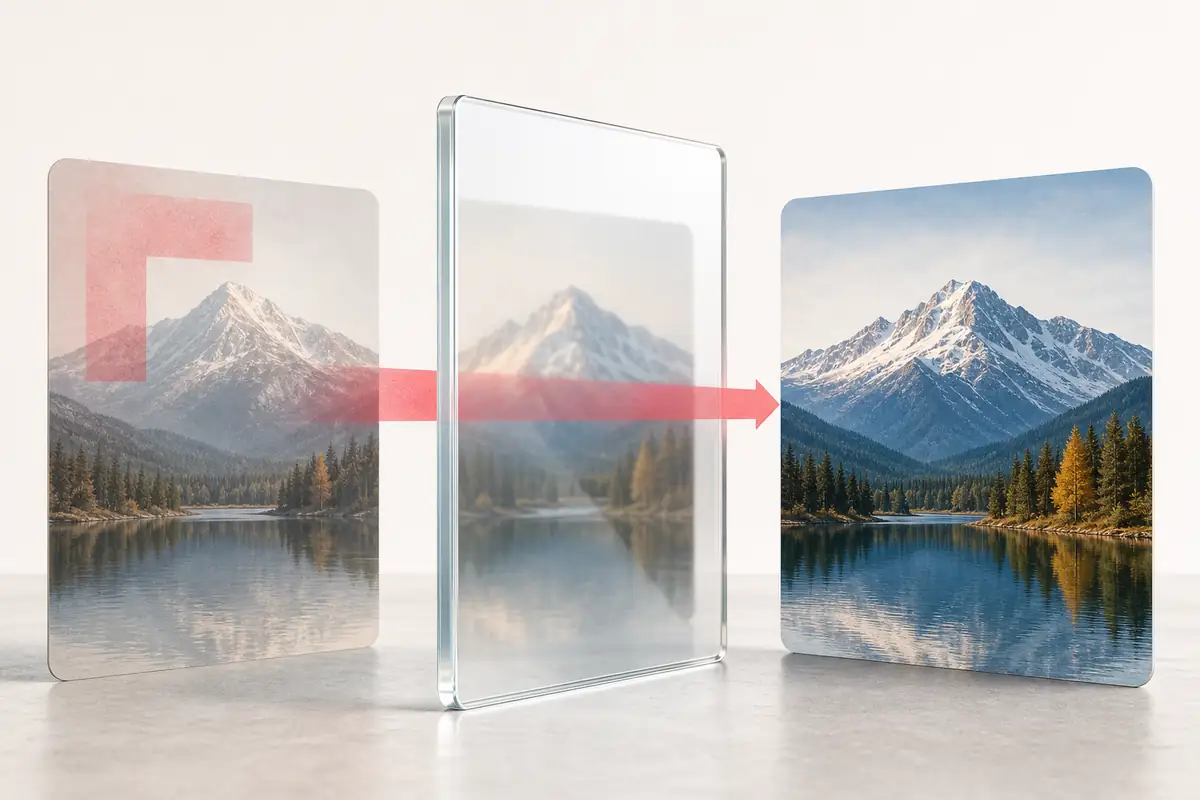
Drop a PNG, JPEG, or WebP file here. For the best match, use the full-resolution download from Gemini.
Up to 10 MB, 8,192 px per side, and 12 megapixels
This tool is designed for supported visible Gemini watermarks. When cleaned versions are available, you can preview and download the result you prefer.
Choose the check for the layer you need. Removing a visible sparkle changes the picture, not its authorship or your disclosure obligations.
For a new image, first check Google’s Media Watermark settings. The setting applies to Gemini Apps and leaves the separate invisible and provenance layers in place.
For an existing download, inspect Gemini C2PA metadata or use the Content Credentials viewer to examine its recorded history.
To check the embedded Google signal, follow Google’s official verification instructions. That is a separate service, not a SynthID test performed by this cleaner.
If the watermark is supported, the page shows available cleaned versions beside the original so you can compare them before downloading.
Choose a PNG, JPEG, or WebP image you have the right to edit. If its visible Gemini watermark is supported, AICleanify shows available cleaned versions for you to preview and download. If no usable result is available, your original remains unchanged.
No. The sparkle is a visible mark in the image pixels. SynthID is an invisible embedded signal, and C2PA Content Credentials are signed provenance records. This Gemini image cleaner targets only supported visible marks; a clean-looking preview does not establish that SynthID or credentials are absent.
Use a tool designed for the watermark shown in your image. This page supports visible Gemini image watermarks. It does not remove arbitrary logos or invisible SynthID markers.
Permission depends on the content, applicable rules, and intended use. Only edit images you own or are authorized to modify, preserve required attribution and disclosures, and do not misrepresent their origin. This tool does not grant rights or provide legal clearance.
If you mean removing a supported visible Gemini watermark from an image you have the right to modify, use this Gemini Watermark Remover. If you mean deleting photos from your device, use your photo gallery or file manager.
Google documents a Media Watermark setting under Settings in Gemini Apps for newly generated visual media. Availability depends on region and subscription; consult the linked Google instructions. The setting does not turn off SynthID or Content Credentials, and it does not clean an existing downloaded image.
AICleanify checks whether the visible Gemini watermark is supported. When cleaned versions are available, you can preview each one beside the original and download the result you prefer.
This tool is focused on supported visible Gemini watermarks rather than removing an entire background. It may show more than one cleaned version so you can compare the previews and choose the result that looks best.
No. Your image file is not uploaded to AICleanify. The site records only an anonymous completion count after a successful clean, without attaching the original or cleaned image.