Image workstation
Remove a background cleanly
Upload one image, follow the live processing state, inspect the before-and-after result, and download a transparent PNG.
- 10 MB maximum upload
- Server-side background removal
- Before-and-after comparison
Upload one image
Choose a JPG, PNG, WebP, or another valid image up to 10 MB.
Preparing upload…
Background removed
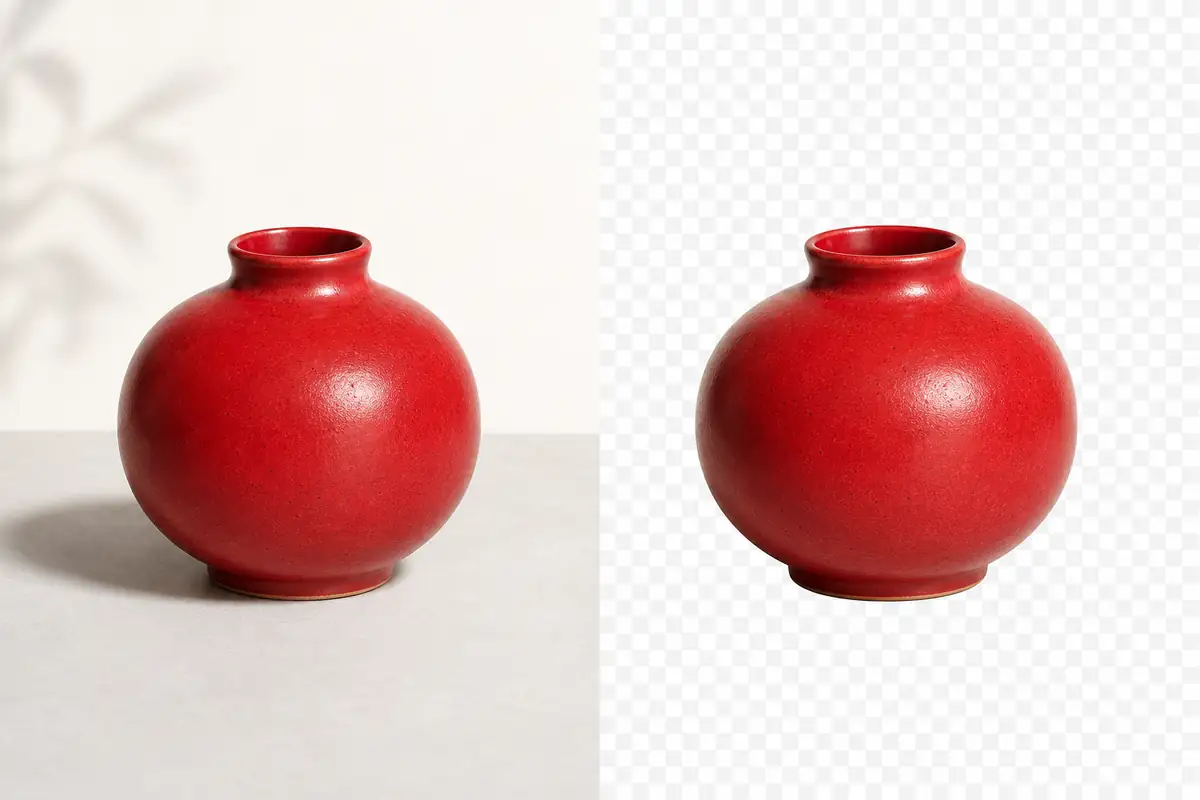
A transparent result you can inspect
The processing state stays in the same workbench as the upload. Once complete, the comparison slider makes edge quality easy to check before download.
- Client and server validation enforce the 10 MB limit.
- Network and service errors remain visible beside the failed action.
- Result object URLs are revoked on reset or replacement.
Frequently asked questions
Where is background removal processed?
The image is uploaded to AICleanify for server-side processing. This is not an on-device workflow.
What is the upload limit?
The server accepts a valid image file up to 10 MB. The browser checks type and size before uploading.
What file do I receive?
A successful result is returned as a PNG with transparency and can be downloaded from the comparison view.
Are uploaded images retained?
The current application code proxies the file to the processing service but does not define a verified retention or deletion period. Avoid uploading content whose server-side processing you do not accept.