Document workstation
Merge PDFs in the right order
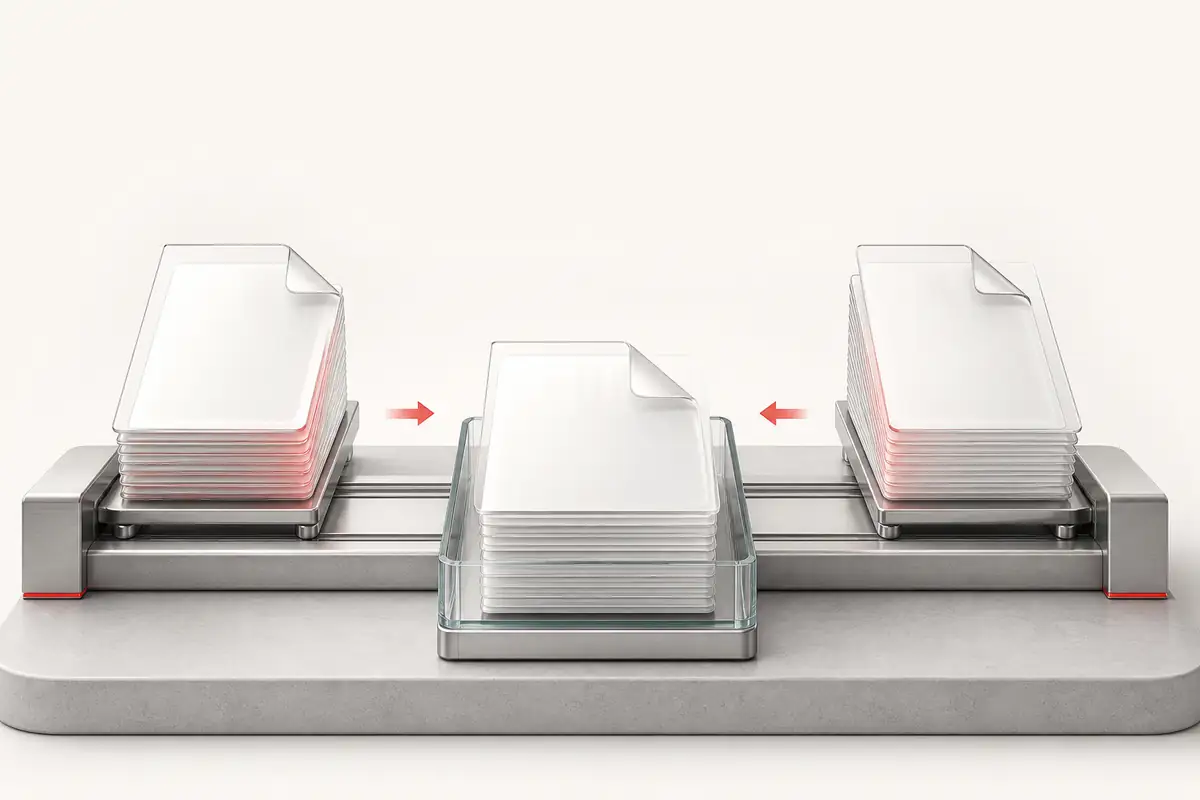
Build a document queue, arrange it with drag, touch, or keyboard controls, and merge everything locally.
- Local browser-side merge
- Accessible reorder controls
- Recoverable download state
Add at least two PDFs
Drop PDF documents here, then arrange the final page order.
Queue · 0 PDFs
Files merge from top to bottom. Drag a row or use its Move up and Move down buttons.
Merging documents
Preparing files…
Merged PDF ready
The document was created locally and remains available until you reset the tool.
Document order stays explicit
Each queue row shows its filename, size, position controls, and remove action. The generated file is not discarded after the first download.
- Rejected non-PDF files are named in the inline message.
- Keyboard and touch users can reorder without drag-and-drop.
- Backend messages and filenames are inserted as text, not executable markup.
Frequently asked questions
Are my PDF files uploaded?
No. PDFLib merges the documents locally in your browser. A separate statistics request records a successful merge without including the PDF files.
Can I reorder the PDFs?
Yes. Drag files into position, or use the visible Move up and Move down controls for keyboard and touch operation.
What happens if one PDF cannot be read?
The merge stops with a persistent error that identifies the failed document. Your queue remains available so you can remove or replace it and try again.
Can I download the result again?
Yes. The completed state keeps the merged document available for another download until you reset the tool or leave the page.