Document workstation
Turn images into one ordered PDF
Arrange JPG and PNG pages, set the document geometry, and generate the PDF without uploading the source files.
- Preview and reorder pages
- Page size, orientation, and margins
- Local PDF generation
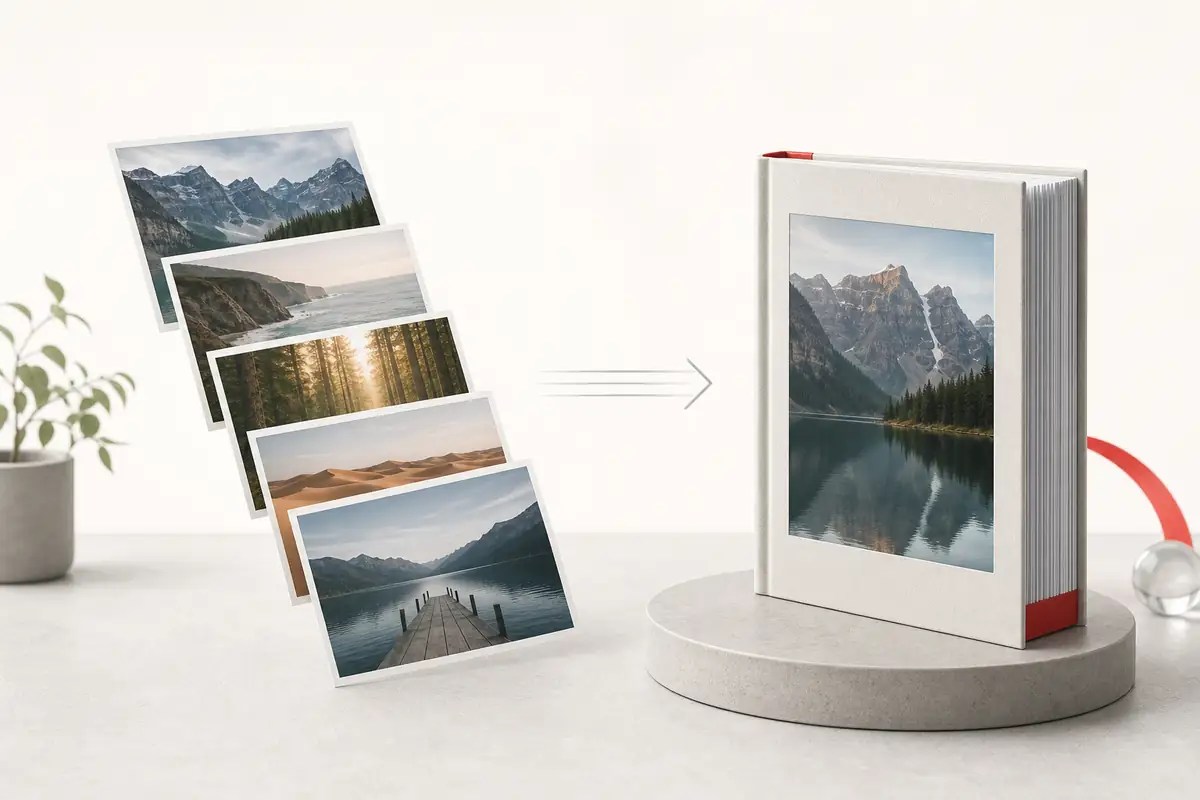
Add JPG or PNG images
Drop one or more images here to build the PDF page queue.
Document settings
Pages · 0
Pages are generated from top to bottom. Drag or use the reorder buttons.
Generating PDF
Preparing pages…
PDF ready
Your document was generated in this browser.
A page queue, not a mystery stack
Every image remains visible with its filename, position controls, and remove action before document generation.
- Preview URLs are revoked when items are removed or reset.
- Visible controls support keyboard and mobile reordering.
- The generated PDF remains available for another download.
Frequently asked questions
Are my images uploaded?
No. jsPDF creates the document locally in your browser. A separate statistics request records a successful conversion without including the image files.
Which image formats can I add?
The file picker accepts JPEG and PNG. The browser validates each selected file before adding it to the page queue.
Can I reorder PDF pages?
Yes. Drag the previews or use each item’s Move up and Move down controls.
Can I download the same PDF again?
Yes. After generation, the completed state offers Download again, Add more images, and Start over actions.