Image workstation
Crop with pixel-level control
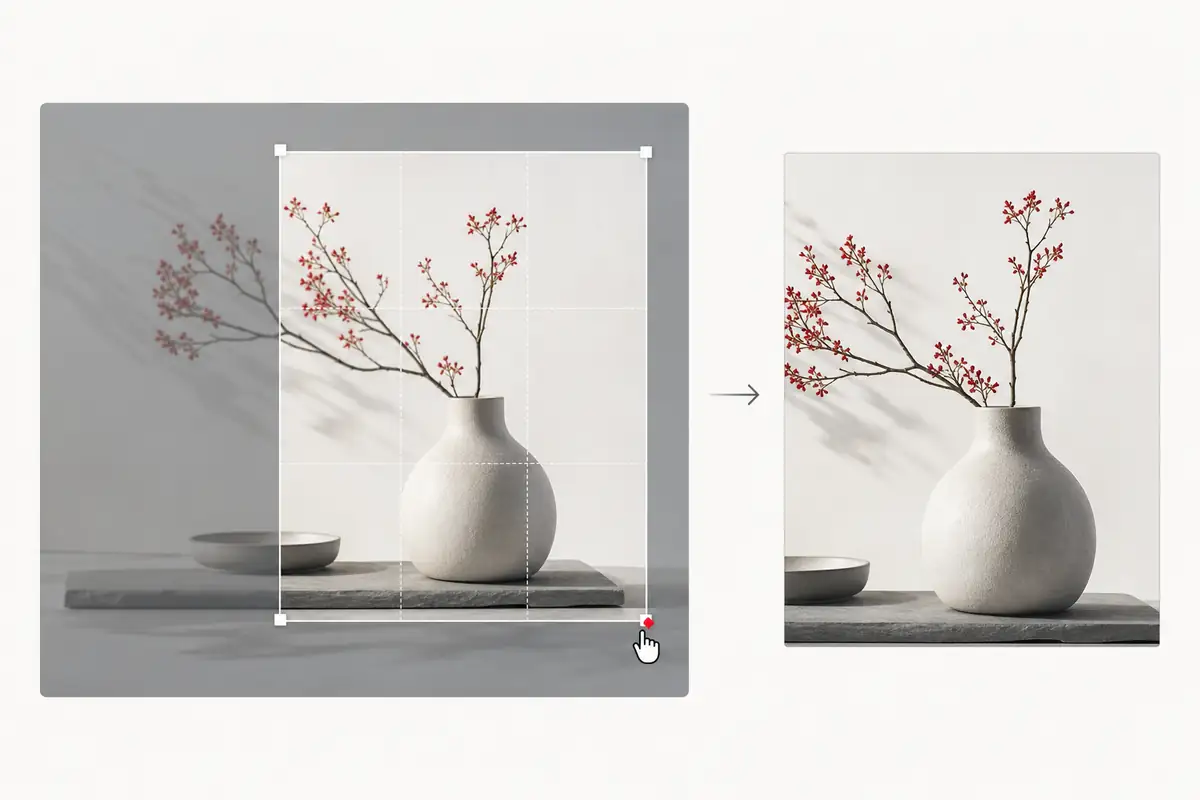
Set the frame, ratio, rotation, and exact dimensions without uploading the source image.
- Free and fixed aspect ratios
- Zoom, rotate, and exact dimensions
- High-quality JPEG export
Choose an image to crop
Drop a browser-supported image here to open the crop workspace.
Crop controls
Aspect ratio
A focused crop workspace
The source stays visible while the controls remain close at hand. Fixed ratios provide consistency; free crop and dimensions provide precision.
- Keyboard-focusable ratio and transform controls
- No confirmation dialog when starting over
- The completion hook fires once for a successful exported crop
Frequently asked questions
Does the image leave my device?
No. Cropper.js and the browser canvas perform the crop locally. A separate statistics request records one successful crop after download and does not contain the image file.
Can I use a fixed aspect ratio?
Yes. Choose free crop, square, 4:3, 16:9, 3:2, or 2:3 before positioning the crop area.
Can I set exact crop dimensions?
Yes. After loading an image, edit the crop width and height in pixels.
What format is downloaded?
The current exporter creates a high-quality JPEG file.